


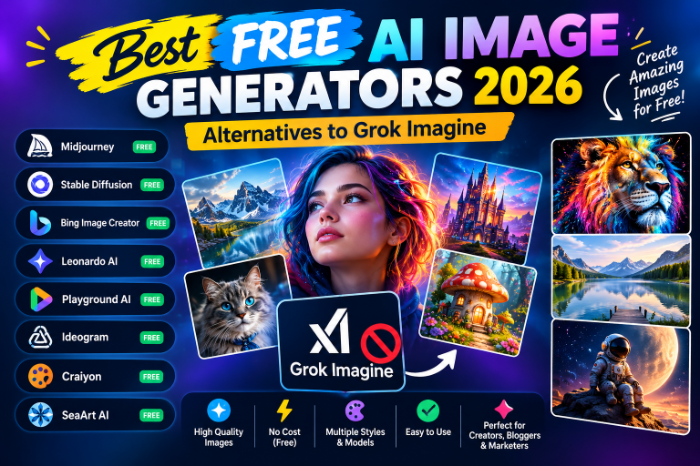
best free AI Image Generators 2026 Alternatives To Grok Imagine
I Got Locked Out of Grok Imagine Mid-Project, So I Tested Every Free Alternative I Could Find
I was three images deep into a thumbnail set for a client when Grok Imagine hit me with “Rate limit reached.” Fine, I thought, I’ll wait. Then it happened again on generation five. Then I opened the app the next morning and there was no free option left at all — just a paywall screen asking me to upgrade to SuperGrok.
Turns out I wasn’t imagining it (pun intended). xAI quietly locked image and video generation behind a paid subscription earlier in 2026, and free accounts got squeezed hard — first with tight daily caps, then eventually cut off from generating anything at all without X Premium or SuperGrok. No email, no in-app banner. It just stopped working one day.
So I did what any deadline-panicked person does: I spent an entire weekend testing every “free” AI image generator I could find to see which ones actually held up. Some were genuinely good. A couple wasted my time with fake free tiers that dump you into a paywall after your first image. Here’s what actually worked.
Why Grok Imagine Went Behind a Paywall in the First Place
Quick bit of context before the recommendations, because it explains a lot about why free tools behave the way they do now.
Grok Imagine got popular fast in late 2025 because it was quick and noticeably less filtered than DALL-E or Midjourney. That looseness backfired — there was a wave of deepfake content that went viral, and xAI tightened content filters and started restricting generation to paying subscribers not long after. The free tab still shows up in the app, but tapping generate now sends you straight to an upgrade prompt.
I’m not saying this to trash Grok — I actually liked its speed when it worked. But if you’re on the free plan right now, you’re not missing a bug. That access is just gone, and rebuilding your workflow around a free tool is the more realistic move than waiting for it to come back.
The Free Tools That Actually Held Up
I ran the same four prompts through each tool: a realistic portrait, a product shot on a plain background, a landscape, and a poster-style image with text on it (this one trips up almost every AI generator, so it’s a good stress test).
1. Google Gemini (Nano Banana 2)
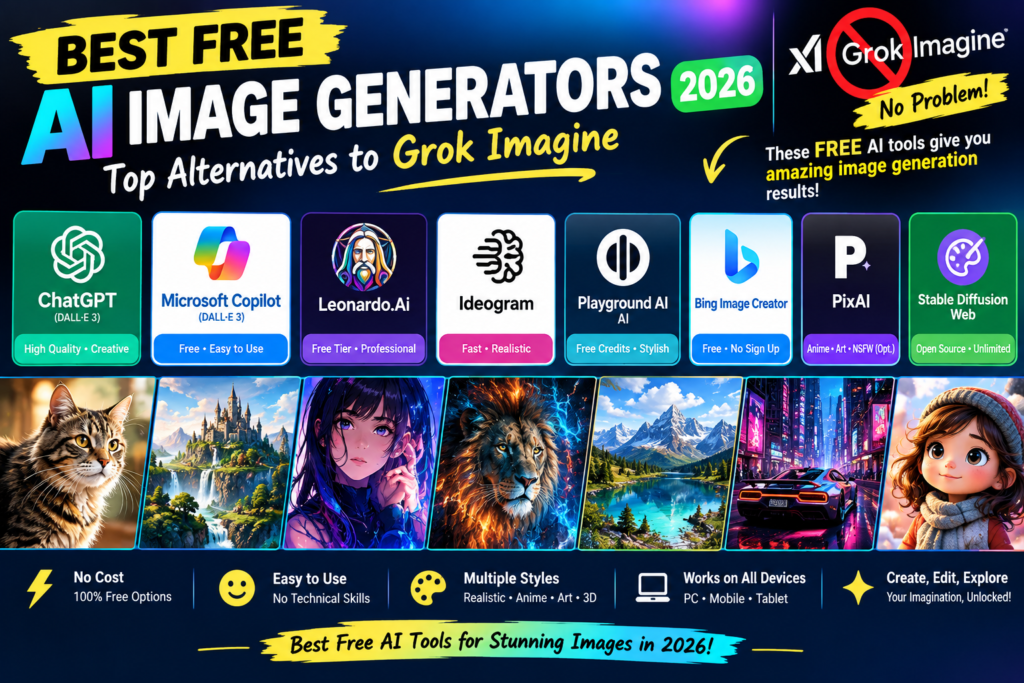
This is the one I ended up using for the rest of that client project. Gemini’s image model, nicknamed Nano Banana 2, got a real upgrade earlier this year, and the free allowance through the Gemini app is genuinely usable — enough images per day that I never hit a wall during normal work. Best Free AI Image Generators 2026 Alternatives To Grok Imagine
What surprised me: I asked for an image of a specific type of building I described loosely, and it nailed the details without me over-explaining, because it pulls from Google’s own knowledge base rather than guessing from the prompt alone. Faces looked natural too, and hands — usually the giveaway that something is AI-generated — were mostly fine.
The catch: content moderation is strict. I tried a prompt involving a fictional weapon-wielding character for a book cover mockup and it flat-out refused, no explanation. If your work is anything even slightly edgy, expect friction.
Best for: everyday content, product mockups, social posts, anything where realism matters more than artistic style.
2. ChatGPT (via the built-in image tool)
If you already have a free ChatGPT account, you don’t need to sign up for anything new. I like this one for the back-and-forth editing — you can ask it to “make the lighting warmer” or “remove the person in the background” in plain English and it actually understands the request, instead of you rewriting the whole prompt from scratch.
It’s slower than Gemini and the free image allowance is tighter, so I treat it as my “fix this specific thing” tool rather than my main generator.
Best for: conversational editing and quick tweaks without learning prompt syntax.
3. Ideogram
This is the one I now recommend to anyone making anything with text in the image — posters, memes, quote graphics, logos with lettering. Most AI generators turn text into garbled nonsense. Ideogram was the only free tool in my test that got a full sentence spelled correctly on the first try.
The free tier gives you a daily allotment of credits, and image quality on non-text prompts is solid too, just slightly more “illustrated” than Gemini’s photorealism.
Best for: anything where legible text has to appear inside the image.
4. Leonardo.AI
Leonardo has been around a while and the free tier still holds up — daily tokens refresh, and you get more control over settings like style presets and image dimensions than most “type and go” tools offer. This one has a steeper learning curve, but if you want to dial in a consistent look across a batch of images (say, for a whole blog or product line), it’s worth the extra ten minutes of setup.
Best for: people who want more control, not just a single quick image. Best Free AI Image Generators 2026 Alternatives To Grok Imagine
5. Microsoft Copilot / Bing Image Creator
Sign in with a free Microsoft account and you get a batch of fast generations using OpenAI’s image models, then a slower queue after that with no hard cutoff. It’s genuinely the easiest on-ramp I tested — type a sentence, wait a bit, download. No settings to fiddle with, which is either a pro or a con depending on what you want.
One thing I learned the hard way: keep prompts to a single, simple sentence. I tried feeding it detailed camera and lighting terminology like I would with Midjourney, and it just ignored most of it.
6. Canva’s AI Image Tool (Magic Media)
If your image is headed straight into a design — a slide, an Instagram post, a flyer — generating it inside Canva saves you the export-and-re-upload step. The free tier gives you a modest monthly credit allowance for AI generation, dropped directly into the layout editor.
I wouldn’t use this as your primary generator if you need a lot of volume, but as a “I need one background image for this design I’m already making” tool, it’s genuinely efficient.
Best for: designers already working inside Canva who need one or two AI elements per project.
7. Stable Diffusion / FLUX (self-hosted or via Hugging Face Spaces)
This one’s for the more technical crowd. If you’re comfortable running things locally or through a free Hugging Face Space, open-weight models like FLUX give you full control and zero content restrictions from a third party — because you’re the one running it. No daily cap, no company deciding what you’re allowed to type.
The trade-off is setup time and, if you’re self-hosting, you need decent hardware or you’ll be waiting minutes per image. I tried this on my laptop first and regretted it — a five-minute generation for one image is not “free” in any meaningful sense once you count your own patience.
Best for: people who want full creative control and don’t mind a technical setup.
Mistakes I Made So You Don’t Have To
I assumed “free” meant the same thing everywhere. Some tools advertise free access but really mean a one-time credit bundle that runs out after your first few images, then funnels you toward a subscription. Always check whether the free tier resets daily/monthly or is a single allotment tied to your account.
I didn’t check commercial usage rights before using an image for client work. Not every free tier explicitly grants commercial use — some are personal-use only or vague about it. If the image is going anywhere near a paid product, read the terms page, not just the marketing copy. Best Free AI Image Generators 2026 Alternatives To Grok Imagine
I over-engineered simple prompts. Tools like Copilot and Ideogram do better with one clean sentence than a paragraph of camera jargon borrowed from Midjourney forums. Test a simple prompt first before assuming the tool is bad.
I forgot to screenshot good results. Some of these tools don’t keep a permanent gallery on the free tier, and I lost a couple of images I actually liked because I closed the tab too fast.
What I’d Actually Recommend
If you just want one solid, no-nonsense replacement for what Grok Imagine used to do for free, start with Google Gemini — the free allowance is generous and the quality is close to what you’d get from a paid tool. Keep Ideogram in your back pocket specifically for anything with text in it, since nothing else free handles lettering as cleanly.
If you’re doing higher volume work and don’t mind a bit of setup, Leonardo.AI or a self-hosted FLUX model give you more room to grow without hitting a wall every few images.
None of these are a perfect one-to-one swap for what Grok Imagine offered before it went paid — the speed-plus-looser-filters combo was genuinely unique. But between Gemini, Ideogram, and Leonardo, I haven’t actually needed to pay for image generation since I got locked out, and honestly, the results have been more consistent than Grok’s ever were.








Leave a Reply