


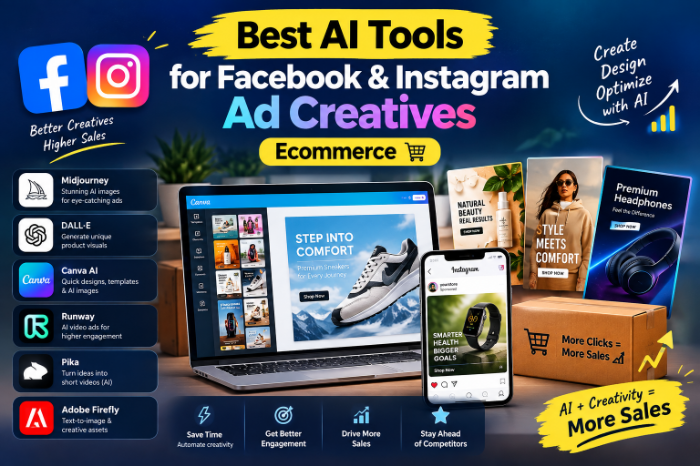
Best AI Tools For Facebook Instagram AD Creatives Ecommerce
Best AI Tools for Facebook and Instagram Ad Creatives (Ecommerce Edition) — What Actually Works
Three years ago I was running ads for a small skincare brand, and I remember sitting at my desk at 11 PM trying to make a fourth version of the same product photo look “different enough” for Meta to stop showing me that dreaded “learning limited” tag.
I had one product shot. One. And I was supposed to feed the algorithm five to seven creative variations a week to keep cost per purchase from creeping up.
That’s the moment I actually started taking AI ad tools seriously — not because they were trendy, but because I physically could not keep up with manual design work anymore. If you’re reading this because you’re stuck in that same loop, I get it. Let me walk you through what I’ve actually used, what worked, what wasted my money, and how I’d set things up if I were starting today.
Why creative burnout is the real problem (not targeting)
Here’s something that took me way too long to figure out: once Meta simplified its audience targeting, the creative itself became the targeting.
That sounds abstract, so let me put it plainly. You used to be able to niche down your audience manually. Now Meta’s algorithm figures out who to show your ad to based largely on who engages with it. So a weak, boring, repetitive creative doesn’t just get lower clicks — it actively tells the algorithm to show your ad to the wrong people.
Once I understood that, “I need more creative variety” stopped being a nice-to-have and became the actual growth lever.
The tools I’ve actually tested (and where each one fits)
I’m not going to pretend one tool does everything. It doesn’t. In my experience, you need to think of the ad creative process in three separate jobs: making the product asset, formatting it for each placement, and generating enough variation to test properly. Different tools solve different pieces of that puzzle.
1. Canva (Magic Studio features)
I still open Canva almost every single day. It’s not flashy, but it’s the tool I reach for when I need a clean static ad with text overlay, a price callout, or a simple carousel layout done in ten minutes.
The Magic Studio additions (background removal, resizing, text-to-image elements) genuinely save time. I use it mostly for quick offer-based creatives — “20% off today,” bundle deals, that kind of thing. Best AI Tools For Facebook Instagram AD Creatives Ecommerce
Real talk: Canva won’t generate scroll-stopping ad concepts for you. It’s a design tool with AI sprinkled in, not a creative strategist. Great for execution, not for ideation.
2. AdCreative.ai
This was the first “AI ad tool” I paid for, and honestly my first reaction was skepticism — it felt like it was just slapping filters on stock templates. But once I fed it my actual product photos and brand colors, it started spitting out dozens of static variations with different headlines, CTAs, and layouts.
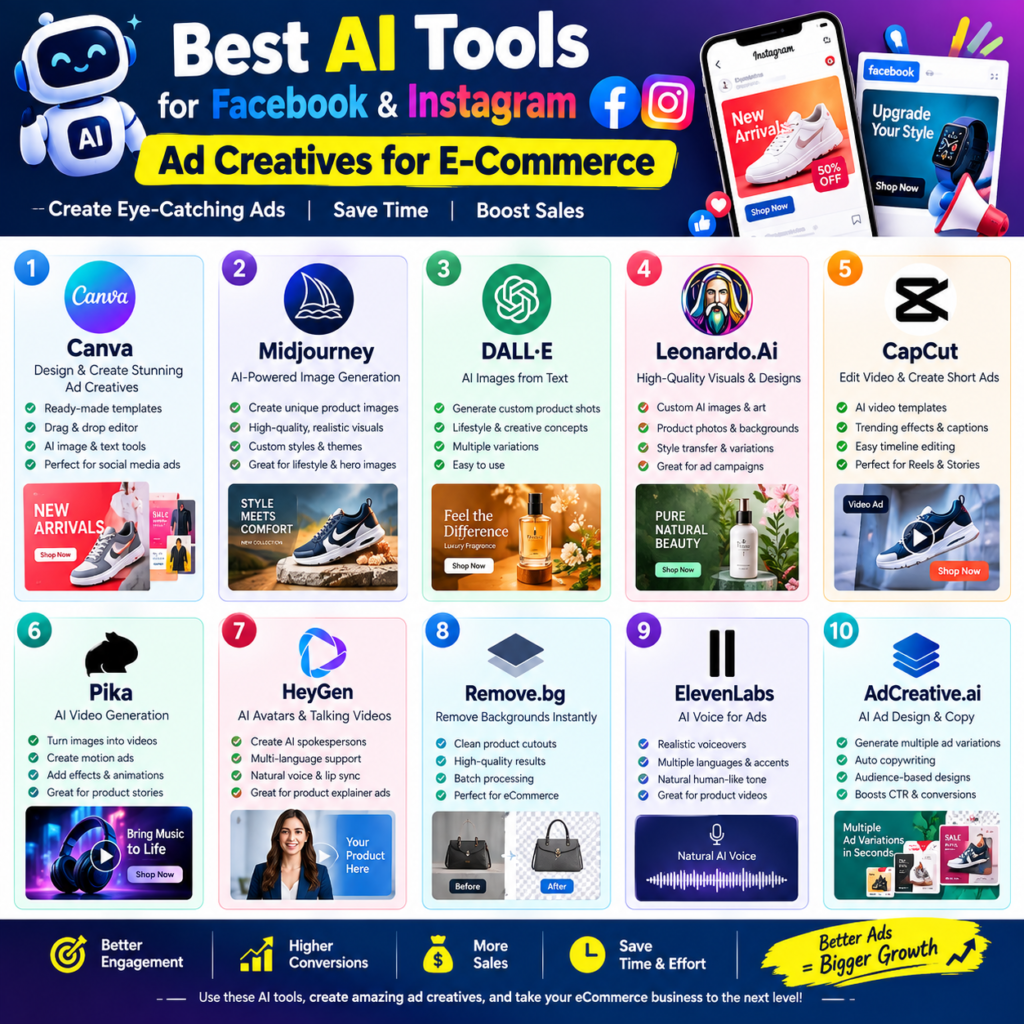
What I liked: the built-in scoring system that predicts how a creative might perform gave me a starting point instead of a blank page.
What I didn’t like: some of the “AI-generated” copy needed a heavy edit. It’s a good first draft machine, not a final-copy machine.
3. Creatify
I brought this in when I needed to turn static product photos into short video ads without hiring an editor. You upload a product link or image, and it builds a short video with voiceover, captions, and motion.
It’s not Hollywood-level, but for Reels and Stories placements, “good enough and fast” beats “perfect and two weeks late” every time. I use it mainly for testing video hooks before deciding whether a concept is worth a proper video shoot.
4. Predis.ai
If you’re a smaller seller and budget is tight, this one’s worth a look. It generates image, video, and carousel ads straight from a product URL, which is genuinely useful if you’re managing a catalog with dozens of SKUs and no time to design each one by hand.
I wouldn’t call the output “premium,” but for testing angles quickly and cheaply, it does the job.
5. Meta Advantage+ Creative (built into Ads Manager)
People sleep on this because it’s not a separate flashy app — it’s just sitting inside Meta’s own ad platform. But once you’ve made your approved creative assets elsewhere, Advantage+ Creative will automatically adapt them for different placements (crop for Reels, adjust for Stories, add music, tweak overlays). Best AI Tools For Facebook Instagram AD Creatives Ecommerce
I treat this as the final step, not the first one. Make the asset elsewhere, let Meta’s own system handle placement-level tweaks.
6. Pencil / MagicBrief (for research, not production)
Worth a mention if you’re scaling past a one-person operation. These lean more into analyzing what’s already working — pulling data on which hooks, styles, and formats are performing across your account or industry — rather than generating the creative itself. I only started using tools like this once I had enough ad spend that “guessing” wasn’t good enough anymore.
My actual step-by-step process now
- Start with one solid product photo or short clip. Doesn’t need to be professional, just clean and well-lit.
- Run it through an image tool (Canva or AdCreative.ai) to generate 3–5 static variations with different headlines or angles.
- Turn the strongest concept into a short video using Creatify, aiming for a 9:16 version for Reels/Stories.
- Resize everything into the three main ratios: 1:1 for feed, 4:5 for mobile feed, 9:16 for Stories/Reels. Skipping this step is the single most common mistake I see people make.
- Upload to Meta and let Advantage+ Creative handle final placement adjustments.
- Launch, wait for real data (not vibes), then double down on whatever wins.
Mistakes I made so you don’t have to
Mistake #1: Judging creative too fast. I used to kill an ad after a day of “meh” performance. Meta usually needs a few days to exit the learning phase. Pull the plug too early and you’re just guessing.
Mistake #2:
Same photo, slightly different headline, called it “testing.” That’s not real variation. The algorithm needs genuinely different hooks — different angles, different pain points, different formats — not five shades of the same idea.
Mistake #3: Ignoring vertical video. I was stubbornly static-image-focused for way too long. Reels placements reward video, and I left performance on the table by not testing it sooner.
Mistake #4: Letting AI write the final copy without editing. AI-generated headlines are a starting point. They often miss your actual brand voice or misunderstand your product’s real selling point. Always give it a human pass.
Mistake #5: Treating AI tools as a replacement for real customer photos and reviews. Nothing an AI generates beats an authentic photo or video from an actual happy customer. I now use AI tools to scale volume, but I still commission a handful of real creator content pieces for whatever concept is working best.
So which one should you actually pick?
If you’re a solo founder or just starting, don’t buy five subscriptions. Start with Canva for design and one AI generator (AdCreative.ai or Predis.ai, depending on budget) for variation volume. Add a video tool like Creatify once you’ve validated a winning static concept. Best AI Tools For Facebook Instagram AD Creatives Ecommerce
If you’re already running serious ad spend across multiple SKUs, that’s when it makes sense to layer in research tools and dynamic creative options — but don’t skip straight there before you’ve nailed the basics.
Final thought
None of these tools replace understanding your product or your customer. What they do is take the boring, repetitive part of ad production off your plate so you can actually spend your time thinking about the message, not just the mechanics of resizing an image for the fourth time that day.
Start small, test one new format at a time, and pay attention to what the data actually tells you — not what you assumed would work before you launched.








Leave a Reply