


Opendream AI Art
OpenDream AI Art: What Happened When I Actually Sat Down and Used It
I’ll be honest with you. I almost didn’t bother trying OpenDream. Opendream AI Art
I’d already burned through a weekend messing with Midjourney, another one fighting with Stable Diffusion locally on my laptop (my GPU cried), and I figured every new “AI art generator” was just going to be a reskin of the same thing. But a friend who runs a small Etsy shop kept mentioning it because she was using it to mock up print designs without paying for Midjourney credits every month. So I finally opened it up one lazy Sunday afternoon, coffee in hand, expecting nothing special.
Three hours later I had forty-something images, two genuinely usable ones, and a much clearer idea of what this tool is actually good for — and what it isn’t.
So What Is OpenDream, Really?
Strip away the marketing language and OpenDream is a browser-based text-to-image generator. You type a description, it spits out a picture. No downloads, no installing Python packages, no arguing with your graphics card drivers at midnight.
It’s built on top of Stable Diffusion technology, which is the same open-source foundation a lot of other AI art tools are running on under the hood. That’s not a knock against it — it just means the “magic” isn’t some secret proprietary model, it’s a well-tuned implementation of tech that’s been around for a few years now.
You can use it straight from Chrome or Safari, sign up, and start generating. That’s genuinely the whole barrier to entry, which is refreshing after fighting with local installs. Opendream AI Art
My First Attempt (And Why It Went Sideways)
Like most people, my first prompt was lazy. I typed something like “a beautiful forest” and hit generate.
What came back was… fine. Generic. The kind of stock-photo-adjacent image you’d scroll past without a second glance. Not bad, just not anything.
That’s when I realized the mistake I was making — the same one I’d made with every other AI art tool at first. I was treating the prompt box like a search bar instead of a description you’d give an illustrator standing in front of you.
So I tried again: “a misty pine forest at dawn, soft golden light breaking through fog, painterly style, muted greens and warm oranges.”
Completely different result. Actually moody, actually atmospheric, actually something I’d consider using for a blog header. Same tool, same three minutes of effort, wildly different outcome — just because I gave it something to actually work with.
Getting Familiar With the Actual Workflow
Once I stopped being lazy with prompts, here’s roughly how I settled into using it:
Step 1: Start a project. The dashboard lets you organize generations into projects, which sounds like overkill until you’ve made 60 images in one session and can’t find the good one anymore. Trust me, use this. Opendream AI Art
Step 2: Pick your model. OpenDream gives you a handful of models trained for different looks. On the free plan you get two — Dreamlike Photoreal, which leans toward realistic imagery, and Dreamlike Anime, which is exactly what it sounds like. Paid plans unlock a couple more, including one geared toward more painterly, artistic outputs.
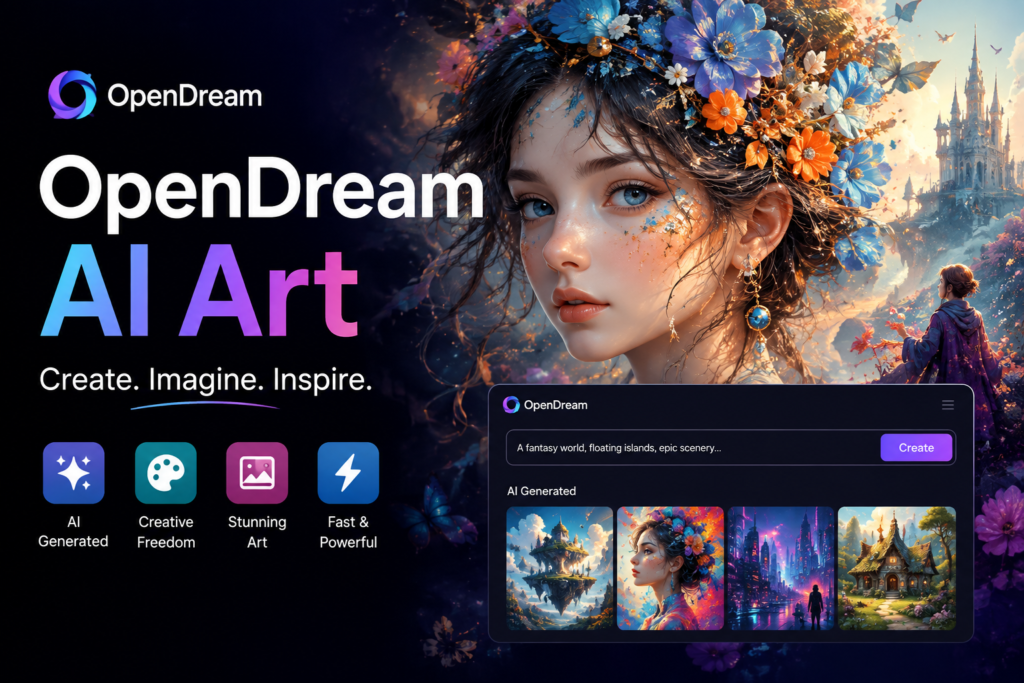
Step 3: Write a real prompt. Not a search term. Describe subject, setting, lighting, mood, and style. If you’ve never done this before, look at a few example prompts on the platform first — it’ll save you an hour of guessing.
Step 4: Generate, then look at what you got wrong, not just what looks cool. If the lighting’s off, or the composition feels cramped, adjust just that piece of the prompt and regenerate instead of starting from scratch every time.
Step 5: Use the editing tools. This is where OpenDream actually surprised me. There’s inpainting (letting you redo a specific part of an image instead of the whole thing), upscaling to bump up resolution, and background removal. I used inpainting to fix a character who had an extra finger — a classic AI art problem — without regenerating the whole piece and losing everything else I liked about it.
Where It Actually Shines
The anime and character-style generation is genuinely one of the stronger points. I’m not personally big into anime art, but I tested it because a lot of the community chatter around OpenDream centers on exactly this use case, and I get why. The anime model produces clean, consistent character work that a lot of hobbyists use for original character designs, avatars, and fan concepts.
I also found it handles moodier, more painterly landscape and concept art nicely — better than I expected for a free-tier tool. My friend’s Etsy mockups looked genuinely usable straight out of the generator with minor touch-ups.
Where It Falls Short
I won’t pretend this thing competes with Midjourney or DALL-E 3 on raw output quality, especially for anything photorealistic or with lots of small detail — text in images, complex hands, crowded scenes with multiple characters interacting. Those are still weak spots, and they’re weak spots across basically every tool in this space right now, not unique to OpenDream.
If you’re a professional needing pixel-perfect, client-ready work every time, you’ll likely still end up doing cleanup in Photoshop or generating dozens of variations to land on one usable frame. That’s just the current state of AI art generation, not a specific failure of this platform.
Mistakes I Made So
Mistake #1: Vague prompts. Covered above, but it’s worth repeating because it’s the single biggest factor in whether your results look amateur or intentional.
Mistake #2: Burning through free credits on near-identical prompts. The free plan gives you 24 credits a day. I torched half of mine early on generating basically the same image with tiny tweaks instead of thinking through the prompt first. Plan your prompt, then generate — don’t generate your way to a good prompt.
Mistake #3: Ignoring the commercial use policy. If you’re planning to sell or publish anything you make, actually read OpenDream’s usage guidelines first. You generally retain rights to what you create and can use it commercially, but every platform has fine print, and it’s worth five minutes to check rather than finding out the hard way later.
Mistake #4: Assuming one generation is final. The iterative refinement and inpainting tools exist because first generations are rarely perfect. Use them instead of restarting from scratch every time something’s slightly off.
Is It Worth Using?
If you’re a hobbyist, someone dabbling in anime character art, a small business owner mocking up visual concepts, or just someone who wants to play around with AI art without paying for a subscription or fighting with your GPU — yeah, it’s worth a try.
If you’re a professional needing top-tier, highly detailed, client-facing work every single time, you’ll probably still lean on pricier or more specialized tools for the final polish, and use something like OpenDream more for quick concept exploration or mood boarding before committing time elsewhere.
Either way, go in with real prompts and a little patience, and you’ll get a lot more out of it than my sad little “beautiful forest” attempt did. Opendream AI Art








Leave a Reply