


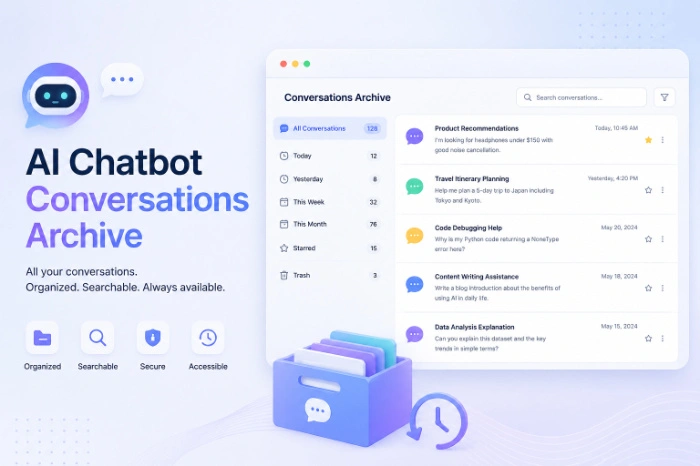
Ai chatbot conversations archive
I Almost Lost Two Years of ChatGPT Conversations (Here’s What I Learned About Archiving AI Chats)
Last November, I spent about three hours going back and forth with ChatGPT, building out a fairly complicated meal-planning spreadsheet formula. It worked perfectly. I closed my laptop, felt proud of myself, and went to bed.
Two days later, I opened ChatGPT to tweak that same formula. The conversation was gone. Ai chatbot conversations archive
Not deleted exactly — buried. My chat history had hundreds of old conversations stacked on top of it, and the search function wasn’t finding the right one because I’d named it something forgettable like “New chat” (thanks, default naming).
That’s when I realized something most people don’t think about until it’s too late: AI chatbot conversations disappear, get buried, or become unsearchable way faster than you’d expect. And unlike your email or your photos, most of us have zero system for keeping track of them.
So I built one. It took some trial and error, a few dead ends, and one genuinely annoying mistake involving a browser extension I shouldn’t have trusted. Here’s everything I figured out.
Why You Actually Need to Archive Your AI Chats
Before I get into the how, let me explain the why — because I didn’t take this seriously until I felt the pain myself.
You lose valuable work. If you use ChatGPT, Claude, Gemini, or any AI tool for actual work — drafting emails, debugging code, planning content, therapy-style journaling, whatever — those conversations often contain reusable value. Losing them means redoing work you already paid time (or money) for.
Platforms change their retention rules. I learned this when a family member using an AI companion app had months of conversations wiped after a policy update. No warning, no export option offered upfront. Gone.
You want to track your own thinking. This one surprised me. Going back through old chats, I noticed patterns in how I ask questions, what I was worried about six months ago, and how my understanding of a topic evolved. It’s genuinely useful, almost like a journal you didn’t know you were keeping.
Search inside apps is often bad. ChatGPT’s search has improved, but it still struggles with vague queries. If you don’t remember the exact phrase you used, good luck finding that one chat from March.
What I Tried First (And Why It Didn’t Work)
My first instinct was lazy: just leave everything in the app and trust the platform’s built-in history. Big mistake.
Here’s what went wrong:
- ChatGPT groups everything by date but doesn’t let you tag or categorize conversations well, even with folders (a newer feature that helps, but only if you actually use it consistently).
- Claude.ai has a clean chat history, but if you’re using it across multiple devices without being logged into the same account, things get fragmented fast.
- Character-based apps (like Replika or similar companion bots) sometimes don’t even offer chat export at all unless you dig into settings or contact support.
I also tried a random Chrome extension that promised to “auto-save all AI chats.” I won’t name it because I genuinely don’t trust it anymore. I uninstalled it within a day. If an extension wants full access to everything you do online just to save some chat logs, that’s a red flag, not a convenience.
The System That Actually Works (Step-by-Step)
After a few weeks of trial and error, here’s the actual workflow I landed on. It’s simple, doesn’t require any sketchy third-party tools, and takes maybe two minutes per conversation you actually want to keep.
Step 1: Decide what’s actually worth saving
Not every chat matters. I don’t archive casual questions like “how long do I boil an egg.” I save things that took real time and thought — coding sessions, detailed plans, creative writing drafts, research summaries.
A good rule: if redoing this conversation would cost you more than 10 minutes, save it.
Step 2: Use each platform’s built-in export feature
Most major AI platforms now let you export your data properly:
- ChatGPT: Settings → It emails you a zip file with your full conversation history in JSON and readable HTML format.
- Claude: Settings → Account → Export Data, which gives you a downloadable archive of your conversations.
- Google Gemini: Through Google Takeout, since it’s tied to your Google account.
This is the safest method because you’re not relying on a third-party tool touching your data at all.
Step 3: Convert important chats into readable, organized files
The exported files are technically complete but messy — huge JSON blobs aren’t fun to browse. For conversations I actually want to reference again, I copy the relevant text into a simple system:
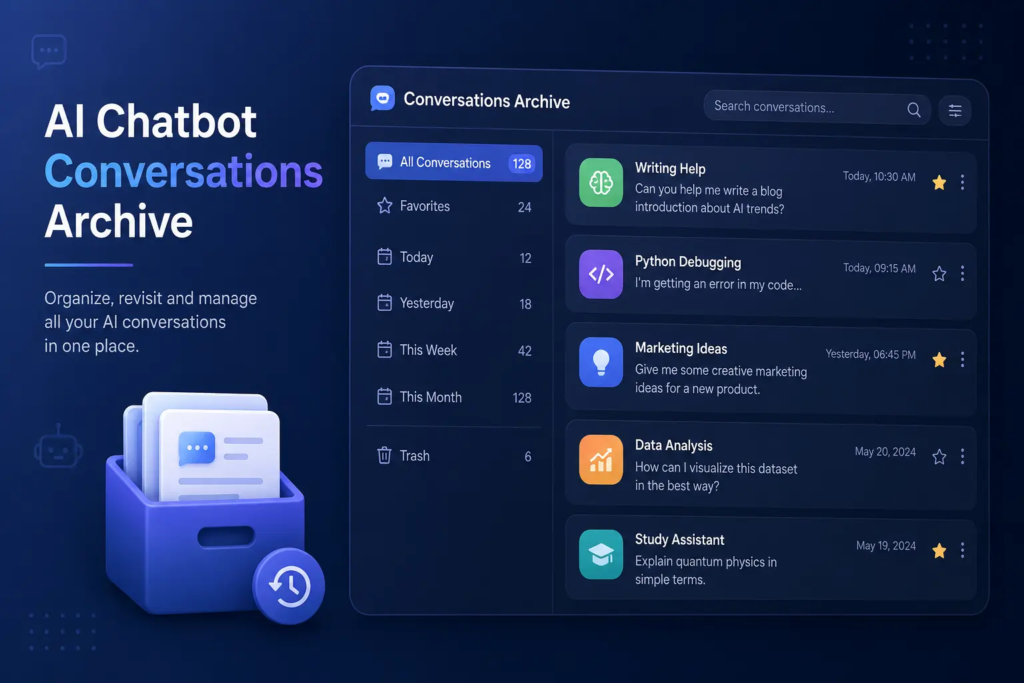
- A dedicated folder in Google Drive or Notion called “AI Chat Archive”
- Subfolders by topic: Work, Coding, Personal, Creative Writing
- Each saved chat gets a simple text file or Notion page with a short title and date
This sounds like extra work, but it takes less time than retyping a lost conversation from scratch, which is what I used to do.
Step 4: Set a recurring reminder to export
I set a monthly reminder on my phone — first Sunday of the month — to do a full export from ChatGPT and Claude. Takes ten minutes total. This way I’m never more than a month away from a full backup.
Step 5: Use search-friendly titles
If you’re on ChatGPT, actually rename your chats instead of leaving them as “New chat.” Click the conversation, rename it something specific like “Meal Plan Formula – Nov 2025.” Future you will thank present you.
Real Examples Where This Saved Me
The coding project. I was helping a friend debug a Python script over several ChatGPT sessions spread across two weeks. Because I’d saved and organized each session by date in a Notion page, I could scroll back and see exactly which fix worked and which didn’t, instead of re-explaining the whole problem from scratch.
The therapy-adjacent journaling. I sometimes use Claude to think through stressful situations out loud, almost like structured journaling. Having those saved (privately, just for me) let me notice a pattern — I was consistently stressed on Sunday nights before work weeks. That’s useful self-awareness I wouldn’t have gotten otherwise.
The client work disaster averted. A friend who freelances used ChatGPT to draft an entire content strategy for a client. She hadn’t saved it anywhere outside the app. When ChatGPT had a temporary outage right before her deadline, she panicked. Lesson learned the hard way — now she exports immediately after any client-related session.
Common Mistakes People Make (I Made Most of These)
Relying only on the app’s internal history. Apps update, accounts get locked, glitches happen. Don’t treat in-app history as permanent storage. Ai chatbot conversations archive
Using untrusted third-party “AI chat saver” tools. Be very careful here. Some browser extensions and apps request excessive permissions or aren’t transparent about where your data goes. Stick to official export tools when possible.
Never renaming or organizing chats. A messy archive is almost as useless as no archive. Spend the extra thirty seconds titling things properly.
Forgetting that free accounts sometimes have shorter retention. Some platforms only keep chat history for a limited time on free tiers. Check your platform’s actual policy instead of assuming.
Saving everything instead of what matters. If you try to archive every single conversation, you’ll get overwhelmed and quit the habit within a week. Be selective.
A Quick Word on Privacy
If you’re archiving conversations that include personal, financial, or sensitive information, don’t just dump them into a random shared drive or unencrypted note app. I keep my personal archive folder in Google Drive with two-factor authentication enabled, and I avoid pasting anything financial or medical into AI chats in the first place, saved or not. That’s less about the archiving process and more about general good sense with any AI tool.
Final Thoughts
I didn’t expect archiving AI conversations to become part of my monthly routine, but here we are. It genuinely feels similar to backing up your phone photos — something you don’t think about until the moment you desperately need that one thing you didn’t save.
If you’re using AI tools regularly for anything that matters — work, creative projects, even personal reflection — building a simple archive habit now will save you a headache later. You don’t need fancy software or a complicated system. Just the built-in export tools, a little organization, and a recurring reminder on your phone. Ai chatbot conversations archive
That meal-planning formula, by the way? I eventually rebuilt it from memory, slightly annoyed the whole time. It now lives safely in my “AI Chat Archive” folder, properly labeled, never to be lost again.








Leave a Reply