


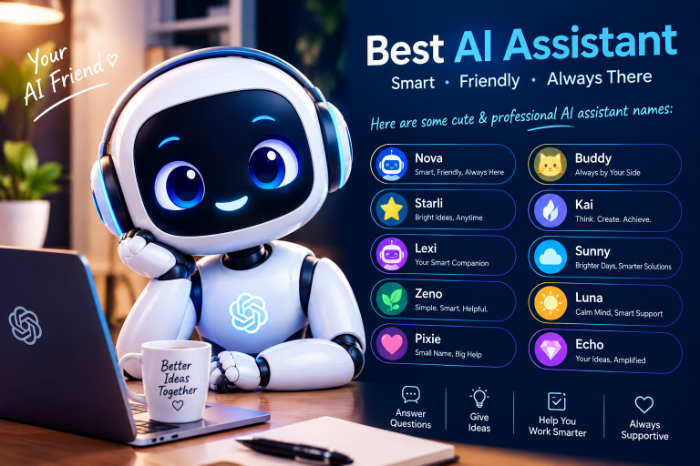
Best AI Assistant Names Cute And Professional
Best AI Assistant Names: Cute and Professional Ideas That Actually Work
I once spent forty minutes naming a chatbot.Not building it. Not training it. Naming it.
I was setting up a simple FAQ assistant for a friend’s small online shop, and I kept typing names into the settings box and deleting them. “Luna” felt too cute for a store that sells power tools. “Assistant” felt like a printer error message. By the time I settled on something, I’d learned more about naming than I ever expected.
If you’re in the same spot, whether it’s a customer support bot, a voice assistant at home, or a custom AI persona for your own projects, this guide is for you. I’ll share name ideas in different styles, but also the lessons that made my choices better.
Why the Name Matters More Than You’d Think
It sounds trivial. It isn’t.
A name sets expectations before anyone types a word. When my friend’s shop bot was called “Max,” customers wrote to it like it was a shop employee. When I tested a version called “ToolBot 3000,” people treated it like a vending machine. They typed in fragments and got frustrated faster.
Names shape tone, for the user and for you. A friendly name nudges people to be patient and chatty. A professional one signals “I’ll get to the point.”
Before You Pick: Four Quick Questions
I wasted time because I skipped this step. Answer these first and the shortlist almost writes itself.
- Who will talk to it? Customers, coworkers, kids, or just you?
- What’s the vibe? Warm and playful, calm and trustworthy, or sharp and efficient?
- Where will it appear? A website chat window, a phone app, a smart speaker, or an internal tool?
- Will people say it out loud? If yes, it needs to be easy to pronounce and hard to confuse with other words.
Cute AI Assistant Names
These work well for personal projects, hobby bots, apps aimed at kids or casual users, and lifestyle brands.
Soft and friendly
- Pip
- Mochi
- Willow
- Poppy
- Juniper
- Biscuit
- Clover
- Nova
Playful and quirky
- Zippy
- Waffles
- Bean
- Doodle
- Pixel
- Sprout
- Bubbles
- Echo
Short and sweet (great for voice)
- Mia
- Kai
- Lumi
- Ollie
- Remy
- Ziggy
- Tilly
- Jojo
A small note on voice assistants: two-syllable names with distinct sounds tend to work best. Single sounds like “Bo” can get misheard in noisy rooms, which I found out the hard way when my kitchen speaker kept waking up whenever I said “go.”
Professional AI Assistant Names
These suit business tools, finance and legal services, healthcare-adjacent apps, and anything where trust is the main goal.
Clean and corporate
- Atlas
- Sage
- Orion
- Vertex
- Summit
- Beacon
- Sterling
- Compass
Human and approachable (but still serious)
- Alex
- Morgan
- Jordan
- Taylor
- Avery
- Quinn
- Riley
- Elliot
Functional and descriptive
- HelpDesk Pro
- Insight
- Navigator
- Clarity
- Concierge
- Advisor
- Assist
- Relay
Gender-neutral names like Alex, Morgan, and Quinn are a safe pick if you don’t want your bot to come across as a specific person. They feel natural without making assumptions.
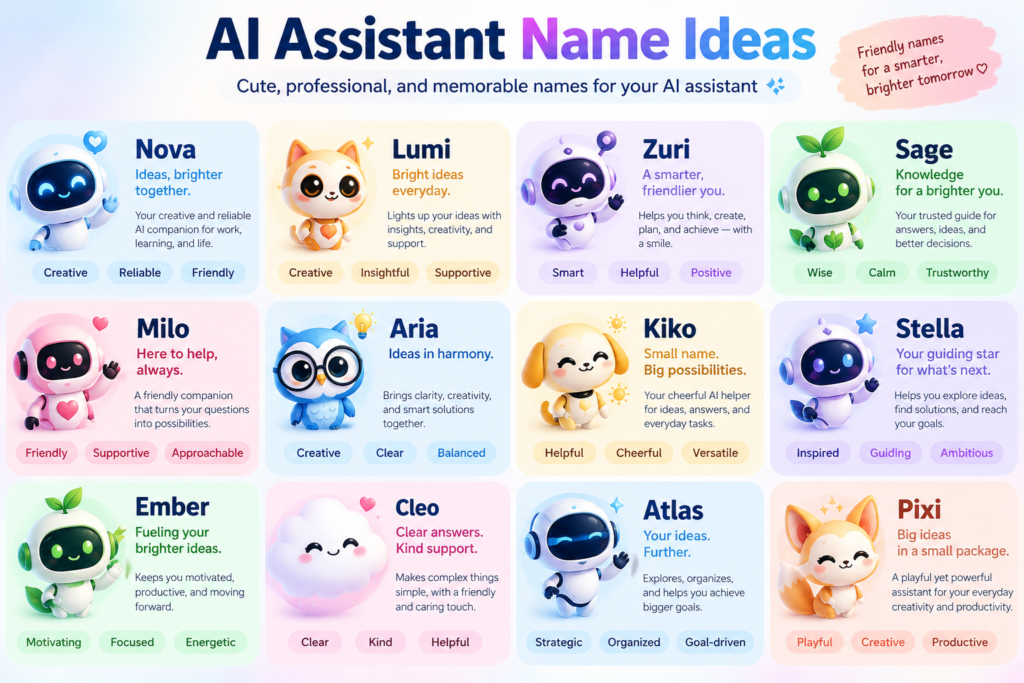
Names That Sit in the Middle
Some of my favorites land between cute and professional. They work for most small businesses.
- Ava: warm, modern, easy to say
- Milo: friendly without being childish
- Finn: short, approachable, memorable
- Nora: calm and dependable
- Theo: casual but competent
- Iris: elegant and clear
- Leo: simple and universal
- Ruby: bright with a hint of polish
For my friend’s tool shop, we eventually went with “Theo.” It sounded like a helpful guy behind the counter, which was exactly the point.
Names by Use Case
Sometimes it’s easier to pick by situation.
Customer support bot: Max, Ava, Relay, Concierge, Theo
Personal productivity assistant: Atlas, Sage, Nova, Pip
Kids’ learning app: Sprout, Doodle, Ollie, Bean
Healthcare or wellness app: Willow, Clover, Iris, Nora
Finance or legal tool: Sterling, Vertex, Morgan, Advisor
Smart home assistant: Lumi, Kai, Echo, Remy
How to Choose Your Name Step by Step
Here’s the process I use now.
Step 1: Write down five to ten candidates. Mix styles. Don’t judge yet.
Step 2: Say each one out loud. Say it in a sentence, like “Ask Theo about the return policy.” If it feels awkward, cross it out.
Step 3: Check for conflicts. Search the name on Google with words like “AI,” “bot,” or “app.” Make sure it doesn’t clash with a well-known product or brand. Also check that it isn’t a trademarked name in your industry.
Step 4: Test it with two or three real people.
Step 5: Sleep on it. Names that feel great at midnight sometimes feel silly the next morning. I’ve been there.
Where to Actually Set the Name
Depending on the tool, naming your assistant looks different:
- ChatGPT custom GPTs and Claude Projects: you can name your custom assistant and set instructions for its personality.
- Chatbot builders like Tidio, Intercom, and Zendesk: there’s usually a display name field in the widget settings, plus a welcome message.
- Smart speakers (Alexa, Google Assistant): you’re limited to the wake words the platform offers, so branding happens elsewhere.
- Your own app or site: you have full control, so test the name in your interface text.
If you’re using a chatbot builder, remember to update the greeting too. A name like “Theo” paired with a cold message like “Please enter your query” feels off. Something like “Hi, I’m Theo.works much better.
Mistakes I’ve Made (So You Don’t Have To)
Choosing a name that’s too trendy. I once picked a name from a popular show. Within a few months it felt dated, and I had to redo the setup.
Picking something hard to spell. If customers have to look up how to type your bot’s name, it’s a bad name. Keep it simple.
Pretending the bot is a human. This one matters. Giving a bot a human name is fine, but you should be clear that it’s an AI. People get annoyed, and rightly so, when they feel tricked. A line like “I’m Theo, an AI assistant” builds trust, and in some places disclosure is expected or required.
Ignoring cultural meaning. A name that sounds cute in one language might mean something awkward in another. If your audience is international, do a quick search of the name’s meaning.
Making the name do too much. A name doesn’t need to explain your product. “Atlas” doesn’t tell anyone what your bot does, and that’s fine. The welcome message handles that job.
Forgetting about the long run. You’ll type or hear this name hundreds of times. Cutesy names that charm on day one can become tiresome by day sixty.
A Few Quick Tips for Personality
A name is only half the character. Once you’ve chosen one, give the assistant a consistent voice.
- Decide on two or three personality traits, such as “helpful, calm, a bit witty.”
- Write a few sample responses so the tone stays steady.
- Avoid overdoing jokes or emojis, especially in professional settings.
- Keep the same name across your site, app, and emails.
Consistency makes an assistant feel like a real part of your brand instead of a random widget.
Final Thoughts
The best AI assistant name isn’t the cleverest or the cutest. It’s the one that matches your audience, sounds natural out loud, and still feels right after the hundredth time you use it.
If you’re stuck, start with the middle-ground list, pick three names, and test them on real people. That alone will save you from the forty-minute naming spiral I went through.
And if you’ve already named your assistant, I’d love to hear what you picked. Odds are someone else is looking for the same inspiration.







Leave a Reply